
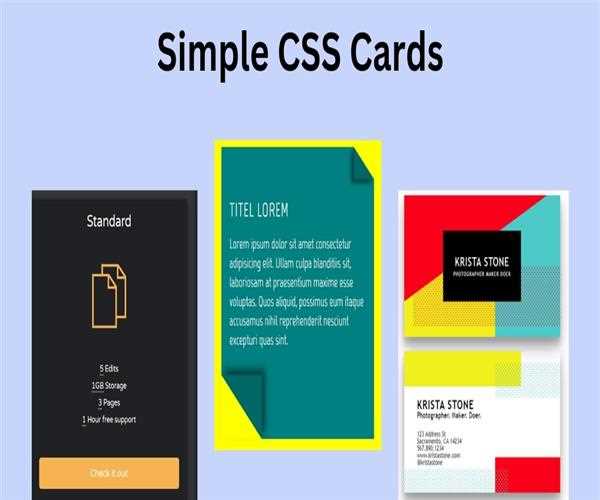
Show Cards using CSS3
To display the cards on a webpage using CSS3 involves styling HTML elements to create a card-like look
Example-
Here is the basic example of how to display the card on the webpage using CSS3
<!DOCTYPE html>
<html lang="en">
<head>
<meta charset="UTF-8">
<meta name="viewport" content="width=device-width, initial-scale=1.0">
<title>Display Card Example</title>
<style>
  /* Styling for card */
  .card {
    width: 300px;
    border: 1px solid #ccc;
    border-radius: 5px;
    overflow: hidden;
    box-shadow: 0 4px 8px rgba(0, 0, 0, 0.1);
    margin: auto;
  }
/* styling for image */
  .card img {
    width: 100%;
    height: auto;
    display: block;
  }

  .card-content {
    padding: 20px;
  }

  .card-content h3 {
    margin-top: 0;
  }

  .card-content p {
    margin-bottom: 20px;
  }
	/* Styling for button displayed on the card */
  .card-content a {
    display: inline-block;
    background-color: #007bff;
    color: #fff;
    padding: 8px 16px;
    text-decoration: none;
    border-radius: 3px;
  }
    /* Center the heading */
    .headting-text{
    display: flex;
    justify-content: center;
  }
</style>
</head>
<body>

  <div class="headting-text">
    <h1>Here is display a card using CSS</h1>
  </div>

<!-- HTML for design the card -->
  <div class="card">
    <img src="nature-img.jpg" alt="Example Image">
    <div class="card-content">
      <h3>Title</h3>
      <p>Lorem ipsum dolor sit amet, consectetur adipiscing elit. Sed eget felis nec odio vestibulum fringilla.</p>
      <a href="#">Read More</a>
    </div>
  </div>

</body>
</html>
In the example above
- To represent the card container, we use a
<div>element of the class called "card". - In the card container we add an
<img>element for the card image and a<div>element with a class called "card-content" that will hold the card's content (title, text, and button). - We create the card using CSS, setting the width, border, border, overflow, box shadow and margins to create a card-like card.
- The
.card imgrule creates the card image so that it is responsive in the card.
The.card-contentrule sets the card content area with padding. - The new format is applied to the headings, paragraphs, and links within the card text to improve readability and appearance.
Output-

You can create multiple cards by duplicating the card HTML layout and adjusting the content and style as needed. Additionally, you can further customize the look of the card by modifying CSS properties to suit your layout needs.
Also, Read: How to create a loader using CSS?


Leave Comment